Genius Mode Comes to the Word Add-in
August's Genius Mode is now available in the Word Add-in — draft, reformat, and revise entire documents with AI without ever leaving Microsoft Word.

Share on:
Ask any partner what slows their practice down, and they won't say the legal work. They'll say the assembly that surrounds it, including closing sets, billing summaries, and board minutes. The hours that sit between finishing the real work and delivering it.
Genius Mode is built for that. It handles multi-step, multi-document tasks end-to-end. You give one instruction, it reads across your documents, chains the right steps together, and delivers a first-pass work product ready for your review.
Today, it comes to Microsoft Word, where lawyers do most of their work.
The Word Add-in has always let you edit documents with August without leaving Word. But there were limits. One instruction, one set of edits, no back-and-forth. Formatting stopped at plain text. And it could only work from a fraction of your attached documents.
Genius Mode removes those limits.
Edit Like a Conversation
You don't write a document in one pass. You draft, review, adjust, and change direction. Genius Mode works the same way.
Give it an instruction, and it delivers a round of suggested edits. Each one has the option to Dismiss or Apply, so you’re always in control. Then you type feedback: "actually, translate this to Spanish" or "make the tone more formal." The next round adjusts based on what you changed and what you said. Change your mind halfway through, and it follows.
That's the shift. It's not one-and-done anymore. You steer it back and forth: course-correcting, adding direction mid-task, until the document is right.
Work With All Your Files at Once
Genius Mode doesn’t limit itself to a singular Word document. It can work within all relevant contexts. Attach an entire matter folder, and it reads what it needs, searches for the right sections, then pulls from the full picture.
That means you can hand your templates, opposing counsel's redline, the last three drafts, and the client's term sheet all at once.
Formatting You Never Have to Touch
This is the unlock. The add-in previously couldn't touch formatting. It couldn’t handle lists or structural changes beyond plain text.
Genius Mode handles Word formatting directly. Whether you’re dealing with lists, styles, bold, bullets, or structured layouts, it produces all of it. The output comes out of Word already formatted, so your review is about the content, not the fonts.
See It in Action
Draft a New Agreement from Your Firm's Template
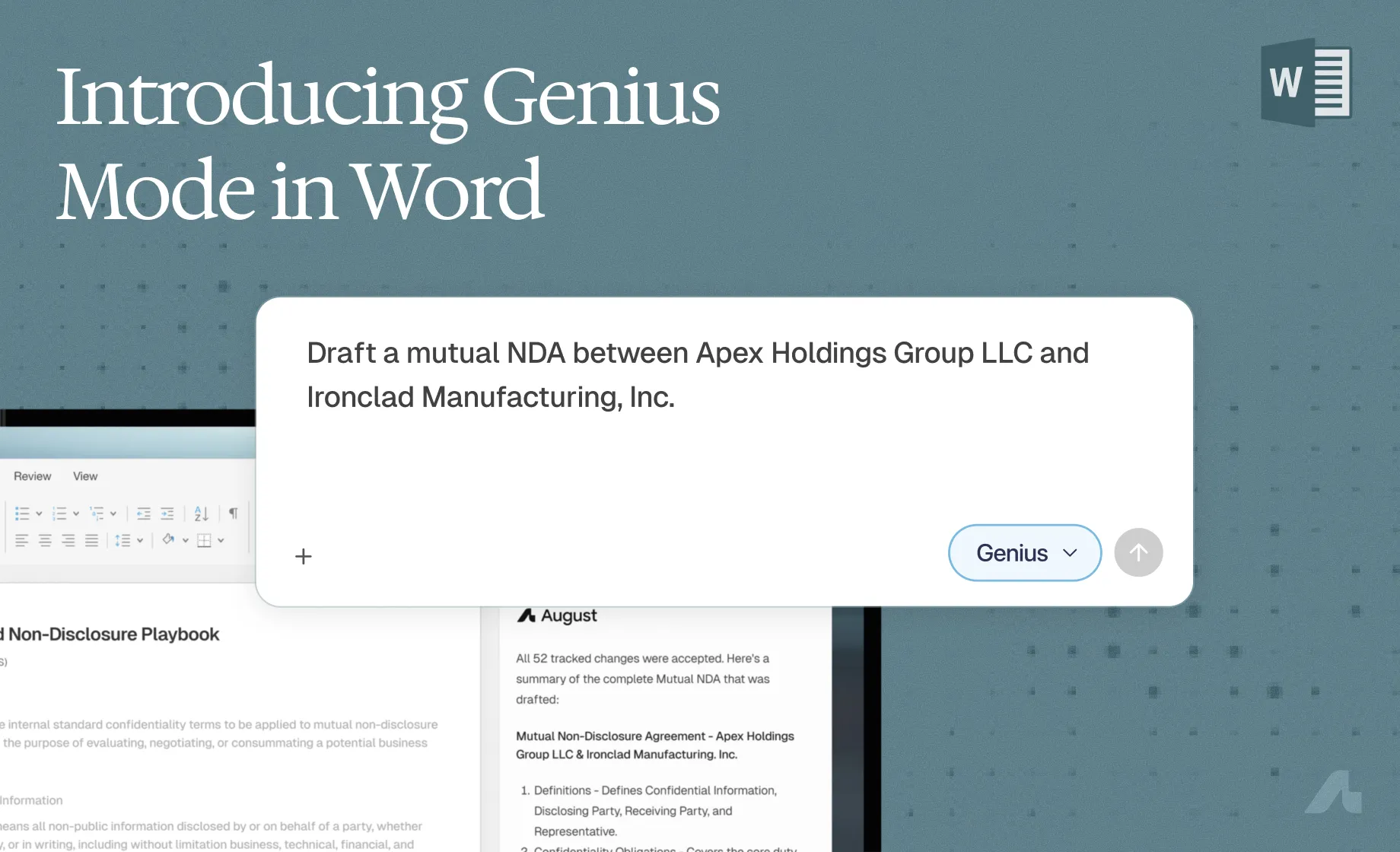
We attach a firm's standard NDA and give one instruction: draft a mutual NDA between two parties using the template. Genius Mode delivers the full agreement in rounds of tracked changes — numbered sections, lettered sub-clauses, bold defined terms, all matching the template's formatting conventions. No reformatting. No cleanup pass. The output is ready for your review, not your rework.
And that's the same workflow whether you're drafting:
An employment agreement from your offer letter template
A board resolution or closing certificate from your firm's standard form
An engagement letter from a term sheet and your template
Reformat an Existing Agreement
We start with a consulting services agreement that's inconsistent throughout — headings, defined terms, sub-clauses, and fonts all styled differently. One instruction: standardize everything. Genius Mode delivers tracked changes across the whole document. One prompt, and the agreement is consistent. You decide what stays.
And that's the same capability at work whether you're:
Translating a contract into another language while preserving its structure
Tightening the language across a lease or engagement letter
Drafting a memo that pulls from multiple documents in a matter
Converting a marked-up draft into clean copy with consistent formatting
Why This Matters
Legal work in Word isn't linear. You draft, you revise, you get feedback, you change direction mid-document. The tool needs to keep up with that.
Genius Mode brings what powers the August platform into the Word Add-in. Same tracked changes you're used to, but now you can steer when it matters and let it run when you're confident in where it's headed.